
What You Actually Do
Every level in Blue Logic Puzzle Game presents a layout of elements that must all be turned blue. The goal stays consistent, but the method changes from stage to stage. You observe the board, identify which objects can be manipulated, then tap, drag, or swipe them using a mouse or touchscreen. Some puzzles yield to straightforward logical deduction, while others lean on timing or memory. Because the objective is visual and immediate, you can start playing without reading a tutorial.
How Difficulty Grows
Early levels establish simple cause-and-effect relationships between your actions and the color changes. As you progress, new mechanics and obstacles appear, forcing you to reconsider assumptions you formed earlier. A solution that worked in one level may be irrelevant in the next. This gradual escalation keeps the experience mentally engaging without becoming punishing, since each solved puzzle unlocks the following one and the complexity curve stays steady.
Controls and Platform Fit
Input is deliberately minimal: tapping, dragging, and swiping cover nearly every interaction. That simplicity translates well to both desktop and mobile, where the same gestures apply. Responsive controls mean the challenge comes from the puzzle logic, not from fighting the interface. If you prefer short sessions, the pick-up-and-play structure supports that; if you prefer longer sittings, the progressive difficulty gives you a reason to continue.
Visual Style and Tone
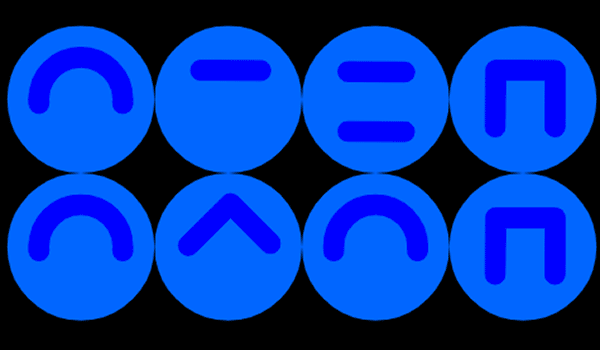
A clean blue palette defines the entire presentation. The color theme is not just decorative—it reinforces the core mechanic, since your goal is literally to make everything match that hue. The result is a calm, uncluttered screen where the puzzle elements stand out clearly. This makes the game suitable for players who want thoughtful, non-violent entertainment that rewards patience and observation.
COMMENTS
0 comments