
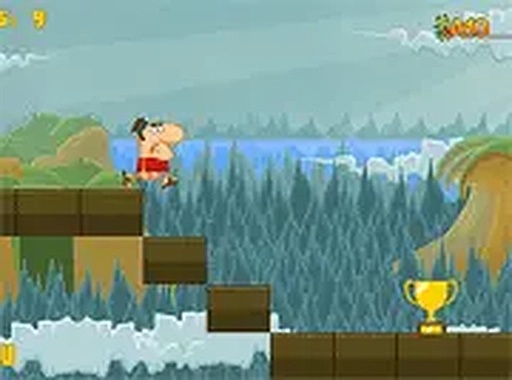
Charge-and-Release Jumping
Every gap in Platform Crossing Quest is a small timing problem. You press and hold the mouse button or touch screen to charge a jump, then release to launch. The longer you hold, the farther and higher the character goes. That single input rule governs the whole game: read the distance, judge the arc, commit. Because the same action covers short hops and long leaps, mistakes are easy to understand and adjust on the next attempt.
Course Design and Escalating Difficulty
Early sections use wide platforms and short gaps, giving you room to calibrate how charge time maps to distance. As you progress, platforms narrow and gaps stretch, so the margin for a sloppy release shrinks. Later sequences introduce platforms that move or vanish, layering timing on top of spatial judgment. The ramp is gradual rather than punishing, which keeps the focus on learning from each failed jump instead of grinding through a wall.
Browser Play and Input Flexibility
The game runs entirely in a web browser, so there is nothing to download or install. It works on desktop, tablet, and smartphone, and the controls are built for both mouse and touch input. A full-screen mode is available if you want fewer distractions. That combination suits short sessions during a break as well as longer attempts at a difficult course.
Visual Clarity and Feedback
Platforms are clearly separated from the background, which matters when you are judging a jump at a glance. The art style is friendly and uncluttered, matching the family-friendly tone. Sound effects confirm successful landings and jumps, giving immediate feedback on whether your timing was right. The presentation stays out of the way so the jumping itself remains the main event.
COMMENTS
0 comments