
Mission Objectives and Player Role
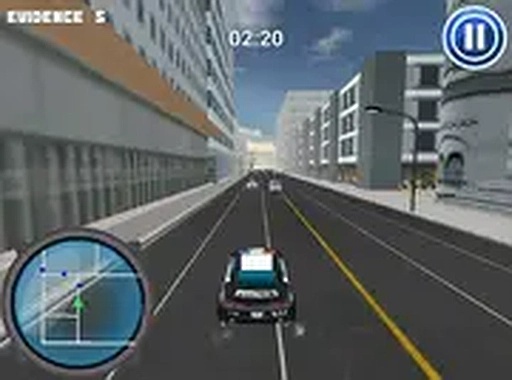
Urban Patrol Racing Simulator assigns players a patrol car and a series of objectives that change from session to session. One mission might involve pursuing a fleeing vehicle through dense traffic; another asks you to race other patrol cars to a checkpoint; a third requires careful navigation through congested intersections. The game does not lock you into a single driving style. Chasing demands aggression and route prediction, while checkpoint races reward clean lines and strategic shortcuts. Because each objective type exercises a different skill, the game encourages you to adjust your approach rather than settle into one rhythm.
Vehicle Handling and Upgrade Path
Steering and acceleration are designed to feel responsive, but speed always carries risk. Sharp turns and sudden stops punish players who ignore braking distance, especially when civilian cars block the ideal line. Completing missions earns rewards that can be spent on performance upgrades. These improvements target top speed, braking efficiency, and cornering stability. Upgrading is not cosmetic; a car with better brakes handles late turns more reliably, and improved cornering stability makes high-speed lane changes less punishing. The upgrade loop gives longer play sessions a sense of progression beyond simply finishing missions.
Traffic as a Dynamic Obstacle
City streets are populated by civilian vehicles that react to the player's presence. They do not follow a fixed script, so anticipating their movements becomes part of every mission. Choosing a route through moving traffic is often more important than raw speed. A player who reads gaps early can maintain momentum, while someone who reacts late will lose time to sudden braking. This traffic system adds a layer of situational awareness that separates the game from simpler racing titles.
Browser Access and Session Flexibility
The game runs directly in a web browser with no download required. Full screen mode provides a wider view of the urban environment. Controls use keyboard or mouse inputs, and the scheme is simple enough that new players can start immediately. This design supports short breaks as well as extended sessions, which makes the game easy to fit into different schedules. The trade-off is that browser-based play depends on a stable connection and a device that can handle the traffic simulation smoothly.
COMMENTS
0 comments