
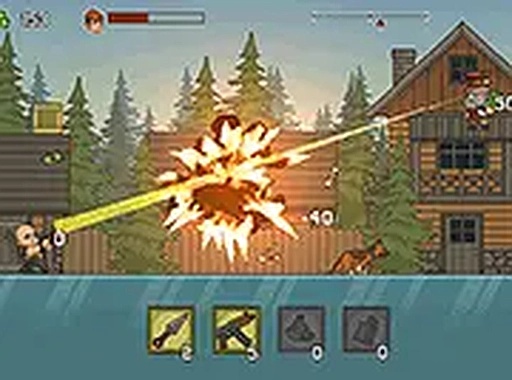
Mission Structure and Puzzle-Like Flow
Quick Strike Mission Runner drops players into a series of objectives, each set in a distinct environment. The core loop is consistent: enter a mission area, use your available items to clear the path, and collect the rewards that appear upon completion. What makes each mission feel like a small puzzle is the decision of which tool to use for each situation. Difficulty gradually increases, introducing new enemy types that demand different approaches. This pacing encourages thoughtful play rather than rapid clicking, and it keeps the gameplay fresh as new threats appear.
Four Tool Categories and Their Roles
Players have access to four main categories of items. Single-target tools are ideal for picking off a specific threat from a distance. An automatic targeting device handles nearby threats quickly, letting you focus on positioning. Small allies can be deployed to patrol the ground level, dealing with low-lying threats while you handle others. Area-effect items clear clusters of enemies at once, making them valuable when you are surrounded. Mastering the timing and placement of each tool is the key to efficient mission completion.
Upgrade System and Progression
After each successful mission, you earn currency that can be spent in the shop. Upgrades improve the power, speed, or area of effect of your tools. Some upgrades also unlock new abilities, such as a longer duration for your companions or a wider blast for area items. The upgrade system allows you to tailor your loadout to your preferred playstyle. Investing in a balanced set of upgrades is often more effective than focusing on a single tool, as later missions demand versatility.
Controls and Accessibility
The game is designed for desktop computers and uses standard keyboard and mouse controls. Aiming is done with the mouse, and clicking activates the selected tool. The automatic targeting device requires no manual aiming, which helps new players get comfortable. A full-screen mode is available for a more immersive experience. Since the game runs entirely in a web browser, there is no installation required, making it easy to jump in and start playing immediately.
COMMENTS
0 comments