
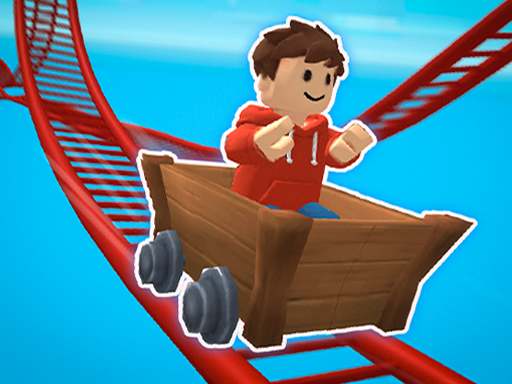
Track Design and Obstacle Flow
Each track in Action Cart Dash Challenge introduces a different arrangement of sharp curves, sudden drops, and obstacles. The layouts are not static; they change as you progress, so memorizing one route only helps until the next stage introduces new patterns. That shifting design keeps the focus on reading the road ahead rather than relying on muscle memory alone.
Controls and Speed Management
You steer and accelerate using keyboard arrows or on-screen touch controls, depending on your device. The central tension is speed: pushing too hard into a corner or a drop often ends in a crash, while crawling through a section wastes time. Finding a balanced pace for each stretch of track is the skill the game rewards most.
Difficulty Progression
Early stages give you room to learn how the cart responds and where the first hazards sit. As you advance, obstacles become more varied and less predictable, so the same cautious approach that worked at the start may not carry you through later tracks. The game expects you to adapt your timing and steering rather than settle into one rhythm.
Who It Suits
Because it runs entirely in a browser with no download or install, Action Cart Dash Challenge fits short breaks and longer sessions alike. Players who enjoy fast-paced arcade racing and reflex-driven challenges will get the most from it. Those looking for a slow, forgiving racer may find the escalating difficulty less comfortable.
COMMENTS
0 comments