Learn To Fly 2 Arcade Game
Reviews
Learn To Fly 2 improves on the original with more upgrades and challenges. The progression feels rewarding as you see your penguin fly farther. Physics are consistent and responsive. Replay value is high due to multiple upgrade paths and hidden secrets. A solid choice for fans of skill-based arcade games.
About This Game
Game Introduction
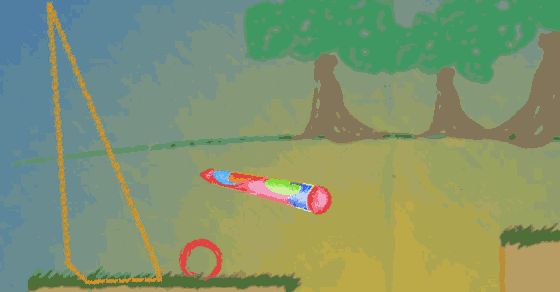
Learn To Fly 2 is a physics-based arcade game where you guide a determined penguin on its quest to achieve flight. Building on the original, this sequel combines humorous animal antics with strategic upgrade mechanics. The core objective is to launch the penguin from a ramp and use various equipment to soar as far as possible. Each attempt earns coins, which can be spent on new gear to improve performance. The game appeals to both casual players and those who enjoy fine-tuning their approach, offering a satisfying blend of trial, error, and visible progress.
How to Play
Players typically start by launching the penguin from a ramp. During flight, coins can be collected to earn currency for upgrades. After each attempt, you can visit the in-game shop to purchase items such as rockets, boosters, and gliders. These upgrades affect speed, lift, or distance. The game also includes specific challenges with clear objectives, like reaching a certain height or distance, which reward extra coins. Experimenting with different combinations of equipment is key to finding the most effective setup for each level.
Game Features
Features include a wide range of upgrades that visibly alter how the penguin flies. The game offers a progression system with increasing difficulty, as well as hidden secrets to discover. Fun physics mechanics make each flight feel unique, and new areas unlock as you advance. The satisfying loop of earning coins, buying upgrades, and seeing immediate improvements keeps the experience engaging. Challenges provide clear goals and extra rewards, encouraging strategic planning.
Tips for Success
To succeed, focus on learning the physics of each upgrade and how they interact. Start with basic gear to build a solid foundation, then gradually invest in more advanced items. Pay attention to the specific objectives of each challenge, as they guide your upgrade choices. Practice regularly to improve your timing and control during flight. Experiment with different equipment combinations to discover what works best for each level. Persistence and creativity are rewarded, as each attempt brings you closer to mastering the penguin's flight.
Compatibility
System Requirements