Fall Of: The Run - Multiplayer Runner Arcade

Fall Of: The Run - Multiplayer Runner Arcade

Publisher Exit Reign Digital
Release Date 2025-05-05
Update Time 2026-06-12
Tags HTML5 , Multiplayer , 2 Player , 5 Minute , Controller Support , Platform , Running
Rating 3.0
Platform Html5
Advertisement

Reviews

Fall Of: The Run is a refreshing take on the infinite runner genre by adding local multiplayer for up to four players. The control scheme is clever, with each player using a different set of keys or a gamepad. The powerups and slow motion kill cams create memorable moments and encourage replayability. While still in development, the core gameplay is solid and offers plenty of laughs. It is a great choice for casual gaming sessions with friends.

About This Game

Game Introduction

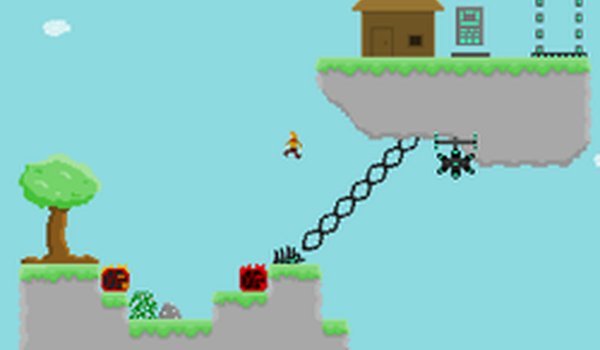
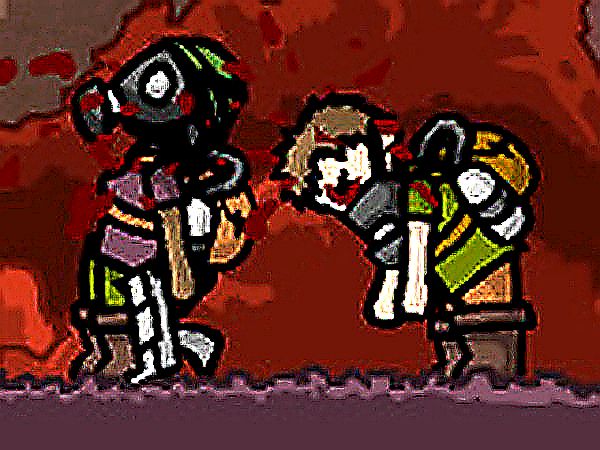
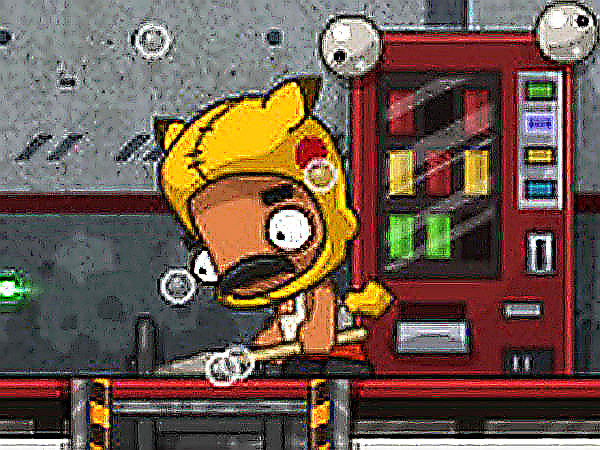
Fall Of: The Run is a local multiplayer infinite runner that transforms the classic solo chase into a competitive party game. Up to four players race on the same screen, each with their own keyboard keys or gamepad. The goal is simple: survive the obstacles and outlast your friends. Powerups let you slow down or trip opponents, while slow motion cameras capture the most dramatic moments. The game includes both clever and sometimes silly AI opponents, screen shake for extra intensity, and even a cheaty bug that can be used strategically. Perfect for game nights and friendly rivalry.

How to Play

Each player selects a color and uses their assigned controls. Red uses Arrow keys, Green uses WSAD, Blue uses IKJL, and Yellow uses the Numpad. Gamepads are also supported for all players. The objective is to survive as long as possible while dodging obstacles and using powerups to hinder rivals. The slow motion camera highlights when a player is eliminated. The game is still in development, so players are encouraged to share ideas for new features.

Game Features

Local multiplayer for up to 4 players. Five unique powerups to annoy friends. Slow motion cameras for epic moments. Screen shake for added thrill. Gamepad support for all players. One cheaty bug that can be used for strategic advantage.

Tips for Success

Stay focused on your own path and avoid distractions from other players. Learn the timing of obstacles to anticipate when to jump or slide. Use powerups wisely—save them for critical moments when a rival is about to overtake you. Practice with different control schemes to find what feels most comfortable. Communicate with friends to coordinate friendly chaos and maximize fun.

Compatibility

• OS: Windows 10+, macOS 11+, iOS 14+, Android 10+
• Browsers: Chrome 100+, Safari 15+, Edge 100+, Firefox 100+
• Not compatible with Internet Explorer
Tested on real devices ✅ works as expected

System Requirements

OS Windows 7/8/10 64-bit
CPU Core i3 3.3 GHz
Memory 4GB RAM
GPU Intel HD 4000
CPU (Recommended) Core i5 3.5 GHz
Memory (Recommended) 8GB RAM
OS Mac OSX Mojave (10.14.6+)
CPU Core i3 3.3 GHz
Memory 4GB RAM
GPU Intel Iris Pro 5200
CPU (Recommended) Core i5 3.5 GHz
Memory (Recommended) 8GB RAM

Follow Us

Faq

Is Fall Of: The Run available on mobile devices?
The game is built with HTML5, which typically allows it to run in web browsers on various devices. However, it is primarily designed for local multiplayer on a single screen, so playing on a mobile device may require a compatible browser and external controllers for the best experience.
Can I play this game solo against AI opponents?
Yes, the game includes AI opponents that can be both clever and sometimes silly, allowing you to practice or enjoy a competitive match even without other human players. This makes it suitable for solo play as well as group sessions.
What types of obstacles appear in the game?
As an infinite runner, the game features a variety of obstacles that players must dodge to survive. These typically include barriers, gaps, and moving hazards that require quick reflexes. The exact obstacles may vary as the game is still in development.
How do I use the powerups in the game?
Powerups are collected during the run and can be activated to hinder opponents. For example, you might slow down a rival or trip them. The game includes five unique powerups, each with a different effect. The controls for activating them are tied to your assigned keys or gamepad buttons.
Is there a way to save my progress or high scores?
The game description does not specify a save or high score feature. As a local multiplayer party game, it is designed for quick sessions, and progress is typically not saved between rounds. However, players can keep track of wins manually during game nights.
Does the game support more than 4 players?
The game is designed for up to 4 players locally, using separate keyboard keys or gamepads. There is no mention of support for more than 4 players or online multiplayer. For larger groups, you may need to take turns or rotate players between rounds.

You May Also Like