
Character Selection and First Steps
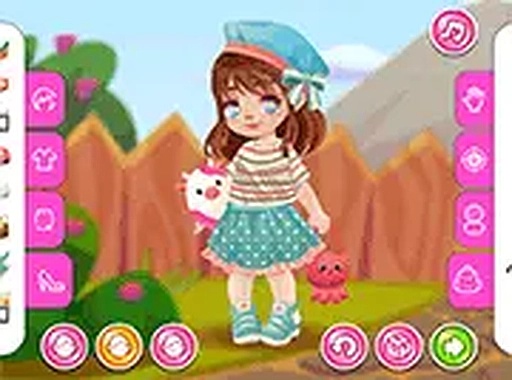
Toddie Style Studio opens with a choice of three characters, each drawn with a distinct look. After picking one, the wardrobe appears on screen in a clean layout. The interface relies on simple taps or clicks, so young children can move between characters and clothing without adult help. No registration or download is required before play begins.
Wardrobe Choices and Mixing Outfits
The wardrobe holds a curated set of clothing and accessories. Tops range from plain tees to layered cardigans, and there are several skirt and pant options. Hats, bows, and bags act as finishing pieces. Every item uses bright colors and soft patterns aimed at a young audience. Because any piece can be swapped at any time, the core activity is experimentation: try a combination, change one item, and see how the outfit shifts.
Visual Style and Responsive Feedback
The art uses rounded shapes and pastel tones, which keeps the screen calm rather than busy. Characters have expressive faces that react subtly as they are dressed, making each session feel a little more personal. Backgrounds stay simple so the outfit remains the focus. Taps and clicks register instantly, so swapping items feels fluid instead of sluggish.
Playing Without Pressure
There are no timers, scores, or levels. That design choice removes the pressure of winning or losing and makes the game suitable for relaxation. A child can spend as long as they like perfecting one look or quickly putting together a silly combination. The emphasis stays on personal expression, not competition. The game runs in a browser on desktop, tablet, and smartphone, and a full-screen mode is available for a larger view.
COMMENTS
0 comments