Cubis Creatures Match 3
Reviews
Cubis Creatures revives classic match-3 gameplay with creative creature-shaped boards and special cubes. The laser and bevel cubes add strategic depth without making the game stressful. Star cube objectives give clear goals. The lack of time pressure makes it ideal for casual play. Replayability is high due to varied board shapes and cube combinations. A solid puzzle game for family fun.
About This Game
Game Introduction
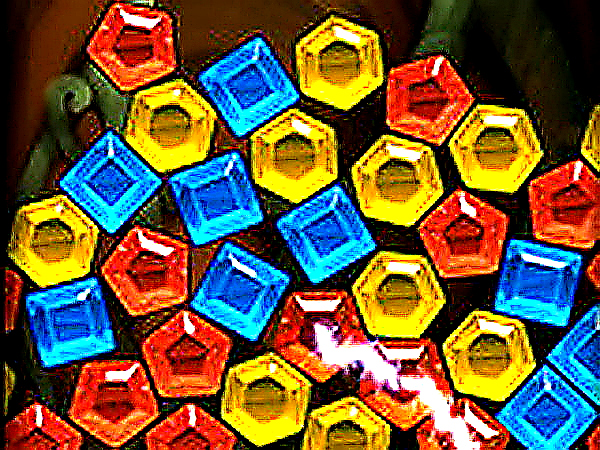
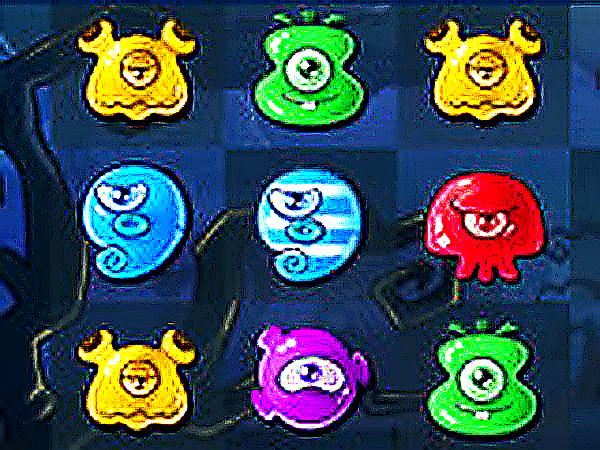
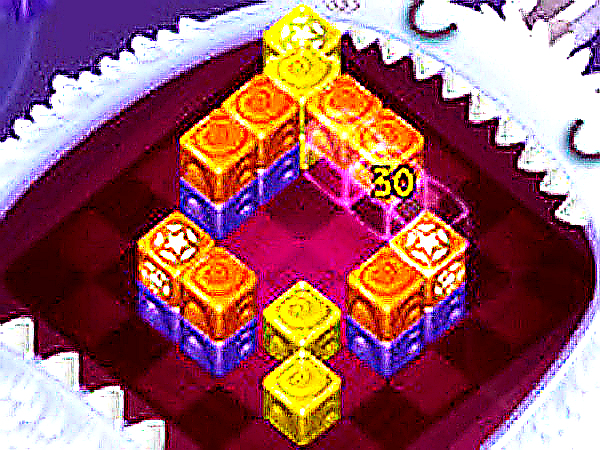
Cubis Creatures Match-3 Puzzle Game is a charming puzzle game that brings a fresh twist to the classic match-3 formula. Instead of standard grids, players play on adorable creature-shaped game boards that add visual appeal. The core objective is to match three or more cubes of the same color to make them explode and vanish from the field. Special cubes, such as laser cubes and bevel cubes, introduce exciting challenges. The main mission is to destroy star cubes first, following the game's motto: Respect the cubes! This revival of the genre offers hours of fun for puzzle lovers of all ages.
How to Play
To play Cubis Creatures, players aim and shoot cubes onto the board from different angles. Matching three or more cubes of the same color clears them. Look for special cubes: laser cubes can clear a row, while bevel cubes change direction. Focus on eliminating star cubes to advance. The game rewards careful planning and quick thinking. There is no time pressure, so players can take their time to strategize. It is easy to learn but hard to master.
Game Features
Features include creature-shaped boards that change the playing field. Special laser cubes clear entire rows. Bevel cubes redirect shots. Star cube challenges provide clear objectives. Relaxing match-3 gameplay with no timer. Suitable for players of all skill levels.
Tips for Success
To succeed, prioritize destroying star cubes early. Use laser cubes strategically to clear rows and create combos. Plan your shots carefully, as bevel cubes can redirect your aim. Take advantage of the no-timer setting to think ahead. Practice regularly to improve your matching skills and learn how special cubes interact.
Compatibility
System Requirements